
AI Resume Writer With ChatGPT: Prompts, Process, and Pitfalls
ChatGPT can turn a rough job history into sharp, keyword-aligned bullet points in seconds — but only if you drive it well. Using an AI resume writer online powered by ChatGPT means feeding it your real experience and steering it with specific prompts, not typing «make my resume better» and hoping. According to Wikipedia’s overview of ChatGPT, the model is built to generate human-like text from a prompt — which is exactly why the prompt itself, not the tool, decides whether the output is any good.
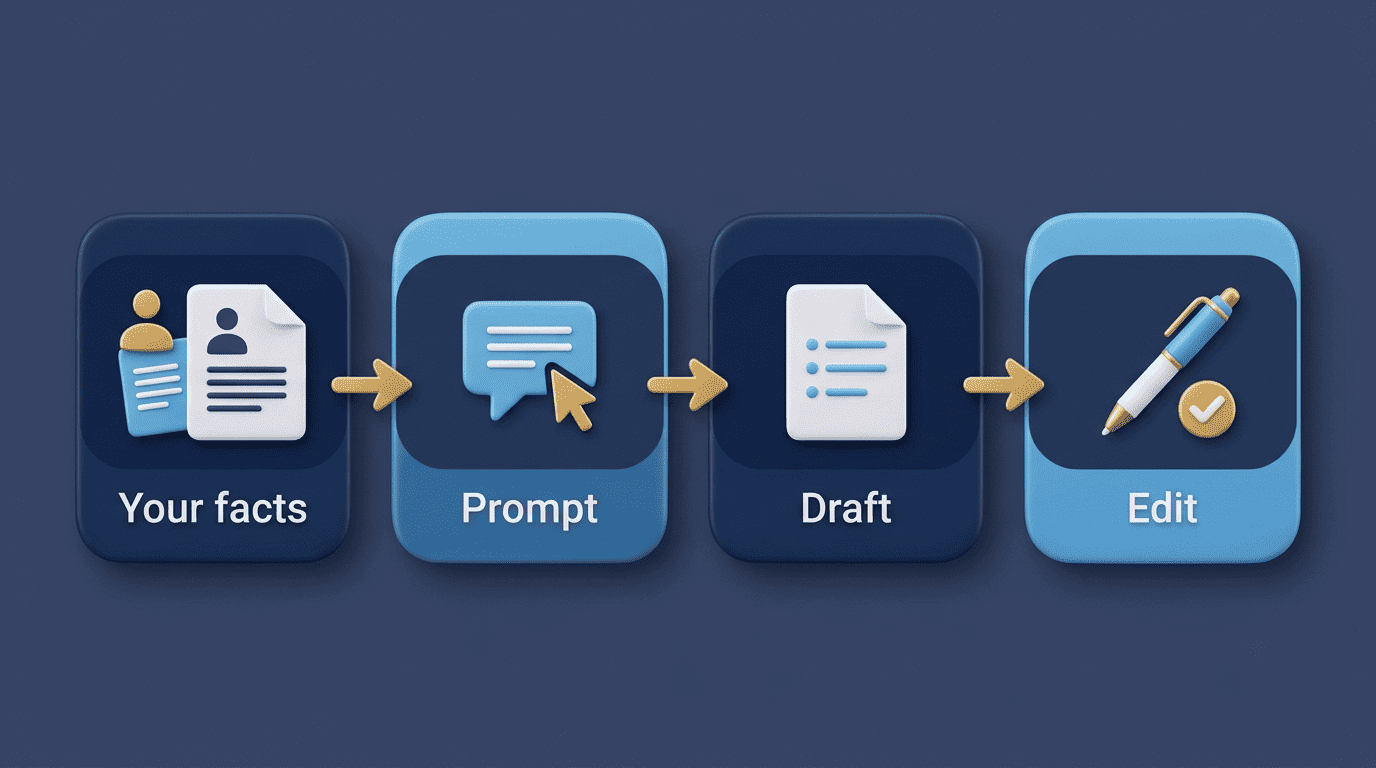
This guide walks through the exact process, copy-ready prompts, which GPT model to use, and the mistakes that get AI resumes rejected. Worth saying plainly up front: an AI resume writer powered by ChatGPT helps you draft and improve your resume, but it does not guarantee an interview or a job. It is a drafting assistant, not a hiring decision-maker, and it should never invent experience, skills, or metrics you don’t actually have.
How ChatGPT Actually Helps Write a Resume
ChatGPT doesn’t know your career — it only knows what you tell it. Its value shows up in how it reshapes raw input: plain job duties become tight, results-oriented bullets, and generic phrasing gets rewritten to mirror the vocabulary of a specific job posting. Understanding that division of labor — you supply facts, ChatGPT supplies language — is the difference between a resume that sounds like a template and one that reads like a strong candidate.
What it’s good at (and what it isn’t)
ChatGPT is a large language model that rewrites and restructures text. It is not a fact source: it doesn’t know your real metrics, titles, or dates, so you supply those and it never gets to guess. Treat it as a first-draft partner that handles phrasing and structure, not the author of record for your career history.
- Turning plain accomplishments into strong, action-verb bullets.
- Mirroring a job description’s exact vocabulary and priorities.
- Drafting and tightening summaries and cover-letter paragraphs.
- Spotting weak or vague phrasing you’d otherwise miss on your own.
The same logic applies to career research generally. The U.S. Bureau of Labor Statistics publishes detailed occupational data — duties, pay, and outlook by role — that’s worth cross-checking when you’re deciding how to frame a target title; ChatGPT can help you phrase a summary, but a primary source like the BLS Occupational Outlook Handbook tells you what the role actually expects.
Before You Prompt: Gather Your Inputs
Skipping preparation is the single biggest reason a ChatGPT resume session produces generic output. The model can only work with what you give it, so five minutes of setup before your first prompt pays off across every draft that follows.
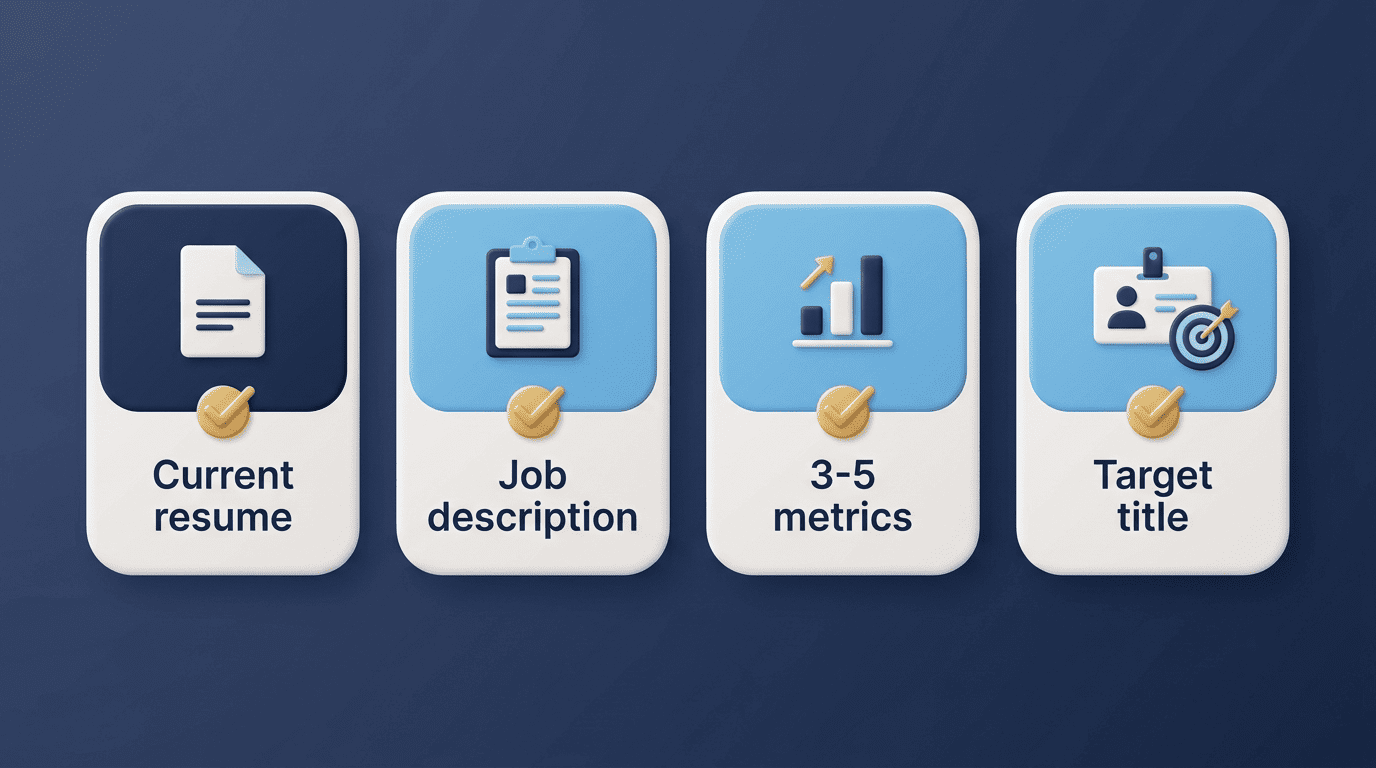
The four things to have ready
- Your current resume or a list of past roles. Even a messy bullet list of what you did in each job gives ChatGPT real material to restructure.
- The full job description you’re targeting. Paste the entire posting, not a summary — the exact wording is what gets matched and mirrored.
- Three to five quantified achievements. Numbers like «cut onboarding time 30%» or «managed a $2M budget» turn generic bullets into specific ones.
- Your target job title. This anchors tone, seniority level, and which accomplishments to lead with.
Vague inputs produce generic output; concrete inputs produce a resume that reads like you, not like every other applicant who typed the same shortcut prompt.
Copy-Ready ChatGPT Resume Prompts
Specific prompts consistently outperform open-ended ones — the difference between «improve my resume» and a prompt that names the job title, the format, and the constraint is the difference between filler text and usable output.
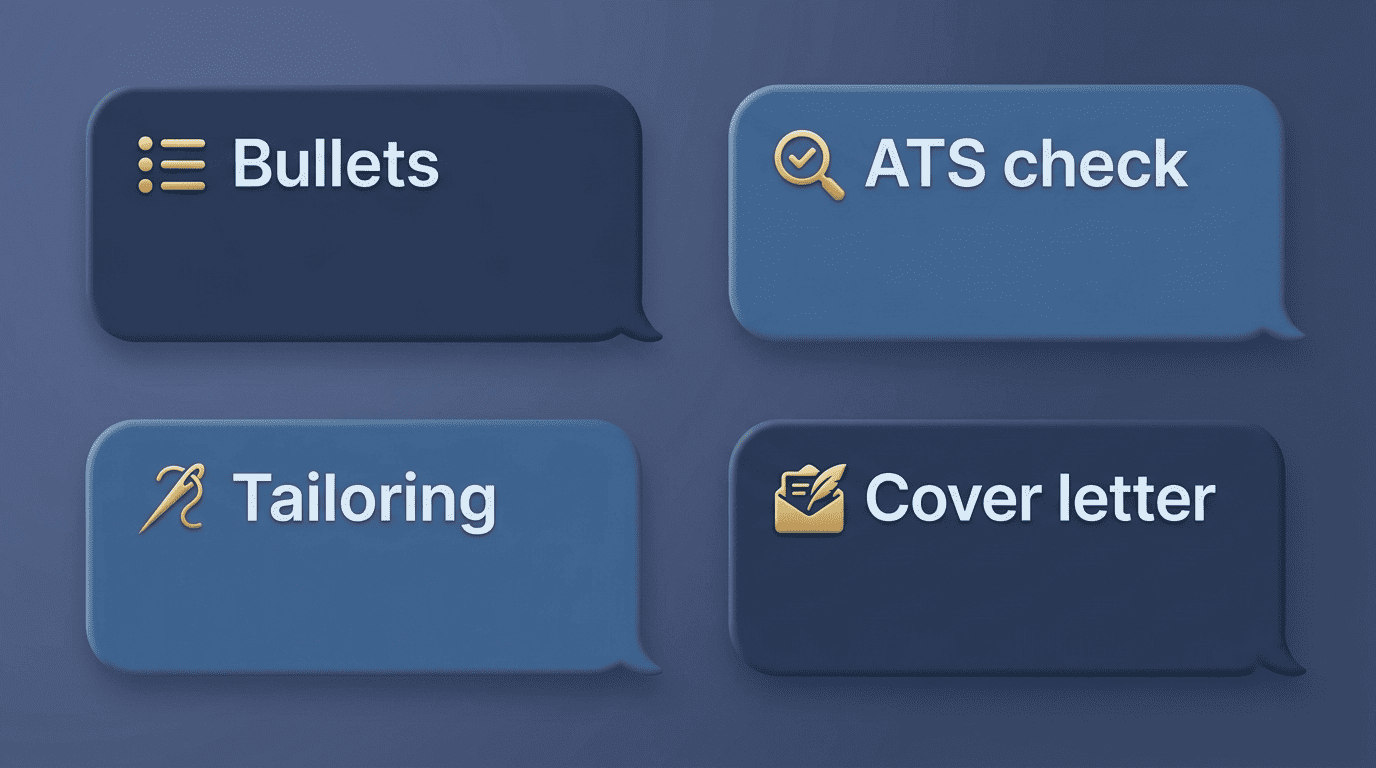
Prompts that actually work
- Bullets: «Write 3 resume bullet points for a [Job Title] that show leadership and measurable impact, using strong action verbs; here are my raw notes: [paste].»
- ATS check: «Analyze my resume against this job description and list the missing keywords, skills, and experience gaps: [paste resume] [paste JD].»
- Tailoring: «Rewrite my summary to match this job description’s tone and priorities, keeping every fact accurate: [paste].»
- Tighten: «Make these bullets more concise and quantified without inventing numbers: [paste].»
- Cover letter: «Draft a 3-paragraph cover letter for this role using only the achievements I list here, no invented details: [paste].»
Always end a prompt with a guardrail like «do not invent metrics or experience» so the model doesn’t fill gaps on its own. OpenAI’s own help documentation is explicit that ChatGPT can make mistakes and should not be treated as a source of verified fact — a warning that applies directly to anything it writes about your work history.
| Task | Prompt goal | What you must supply |
|---|---|---|
| Bullets | Turn raw notes into measurable, action-verb lines | Job title, raw accomplishments |
| ATS check | Find gaps vs. a specific posting | Resume text, full job description |
| Tailoring | Match tone and priorities of one posting | Current summary, job description |
| Tighten | Cut filler without adding claims | Existing bullets |
| Cover letter | Draft a short, factual cover letter | Approved achievements only |
Which GPT Model Should You Use?
Model choice matters less than input discipline, but it’s not irrelevant — different ChatGPT models are tuned for different kinds of work, and picking the wrong one mostly costs you time, not accuracy.
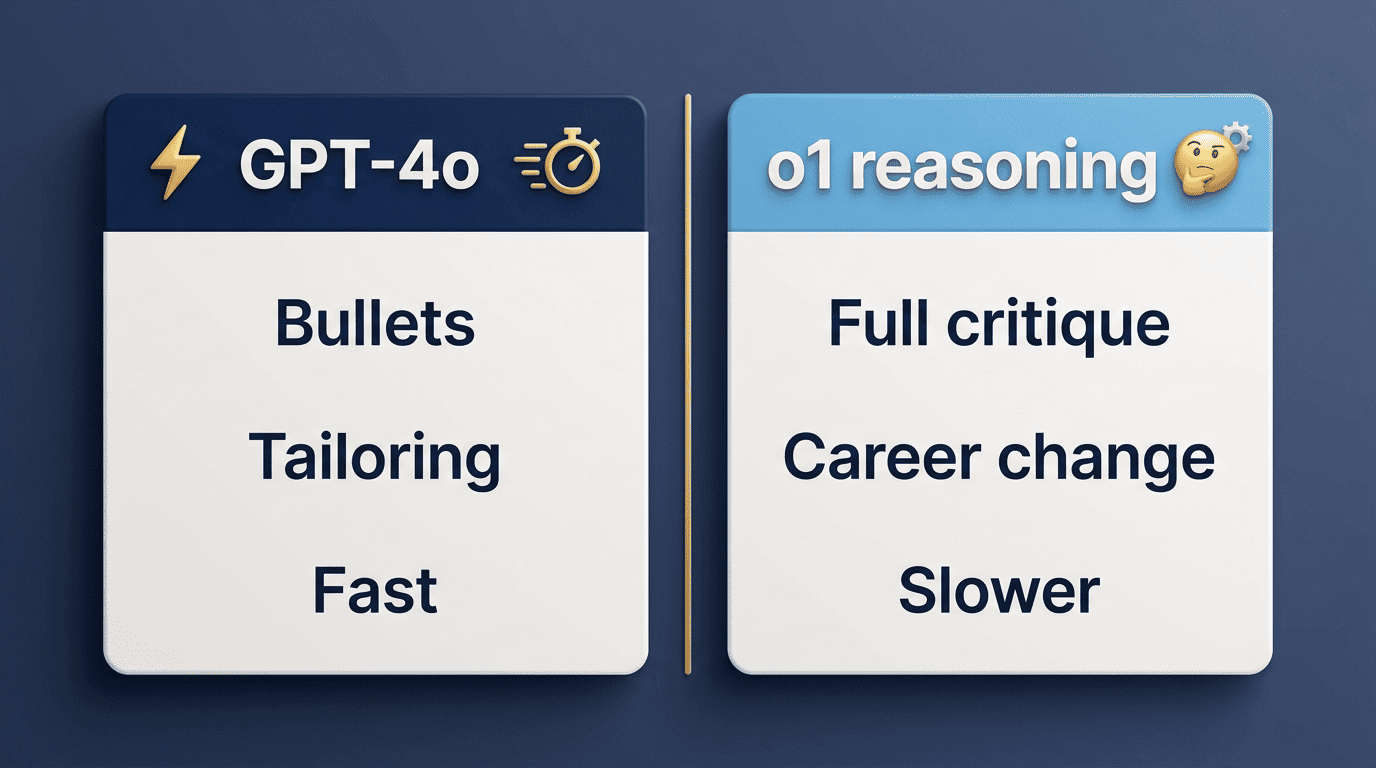
Matching the model to the task
For most resume work — bullets, tailoring, ATS keyword alignment — a fast general-purpose model like GPT-4o is the practical default; it’s quick and handles short, well-scoped rewrites well. For a deep, structured critique of a whole resume, especially around a career change where the reasoning about transferable skills matters more than sentence-level polish, a reasoning-oriented model like o1 handles the longer analysis better. Either way, the input discipline covered above matters more than the model choice.
| Model type | Best for | Speed |
|---|---|---|
| GPT-4o (general) | Bullets, tailoring, ATS keyword checks | Fast |
| o1 / reasoning model | Full-resume critique, career-change strategy | Slower |
The Mistakes That Get AI Resumes Rejected
Most AI-resume failures aren’t about the technology — they’re about how the output gets used. The two mistakes below account for nearly every rejection tied to AI-written resumes.
Don’t paste your life in and hit «improve»
The resumes that get rejected are the ones sent straight from ChatGPT untouched. According to a TopResume survey of roughly 600 U.S. hiring managers, about a third said they could identify AI-generated resume content in under 20 seconds, and roughly one in five treated obvious AI overuse as a red flag. Those numbers come from a single industry survey, not a universal detection rate, so treat them as a directional signal rather than a hard statistic — but the direction is consistent: generic, templated phrasing is a giveaway. The fix isn’t to hide that you used a tool — it’s to edit the draft into your own voice with real, verifiable detail.
ChatGPT can make mistakes. Check important info.
OpenAI
That disclaimer sits at the bottom of every ChatGPT conversation for a reason, and it applies with extra force to a resume — a document where a single wrong claim can cost you a job offer or unravel in a background check.

Never fabricate
The most dangerous failure mode is accepting polished text that makes claims you can’t defend in an interview or a background check. Keep every title, date, and metric true, even when a fabricated number would read better. An AI resume writer optimizes how you present real experience; it must never manufacture experience you don’t have. If ChatGPT drafts a bullet with a number you didn’t provide, that number is invented — delete it or replace it with your actual figure before the resume goes anywhere near an employer.
- Verify every metric against your own records before submitting.
- Remove any skill or certification the model added that you didn’t ask for.
- Read the final draft out loud — anything you couldn’t explain in an interview needs to go.
- Keep dates, titles, and employers exactly as they appear on your actual work history.