
AI Cover Letter Writer: How to Draft a Tailored Letter in Minutes
A blank cover letter is usually the slowest part of any job application — and the easiest one to fix. If you’ve already run your resume through an AI resume writer online, pairing it with an AI cover letter writer takes the same two ingredients — your resume and the job posting — and turns them into a tailored first draft in seconds. MIT’s Career Advising & Professional Development office advises against simply repeating your resume in paragraph form — a letter should complement it with a little more detail on key experiences, which is exactly the gap a good draft is meant to close.
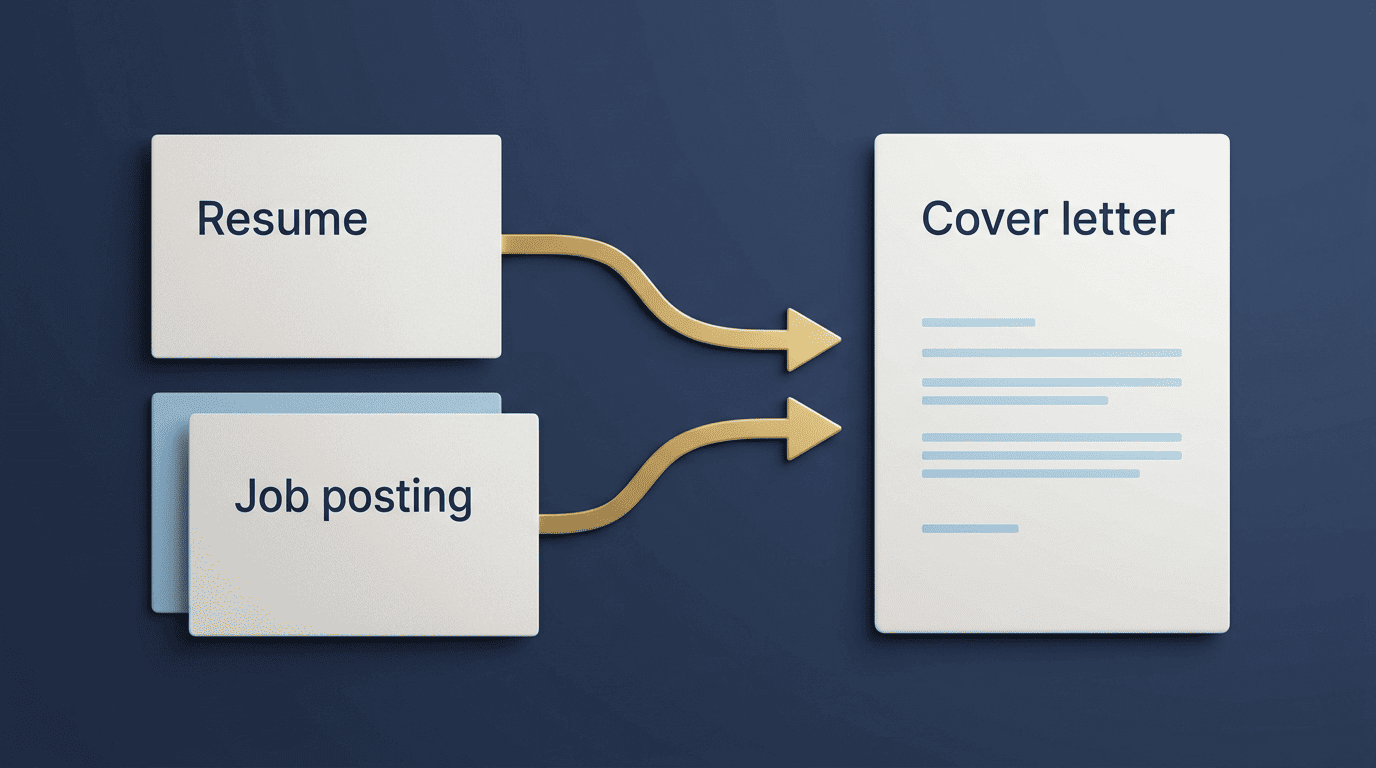
To be upfront: an AI cover letter writer helps you draft and improve your cover letter, but it does not guarantee an interview or a job. It hands you a starting point built from real material — your resume and the posting — not a finished letter, and it should never invent experience, achievements, or motivations you don’t actually have. Anything the tool generates still needs your own edit pass and a fact-check before it goes out.
What an AI Cover Letter Writer Actually Does
An AI cover letter writer (sometimes called a generator) pulls from two sources — your resume and the target job description — and produces a role-specific draft that reflects both. Instead of staring at a blank page, you get a structured letter that already echoes the posting’s language and pulls in relevant pieces of your background. It works the same way an AI resume writer does for a resume: the tool handles the first pass, and you supply the truth, the specifics, and the final polish.
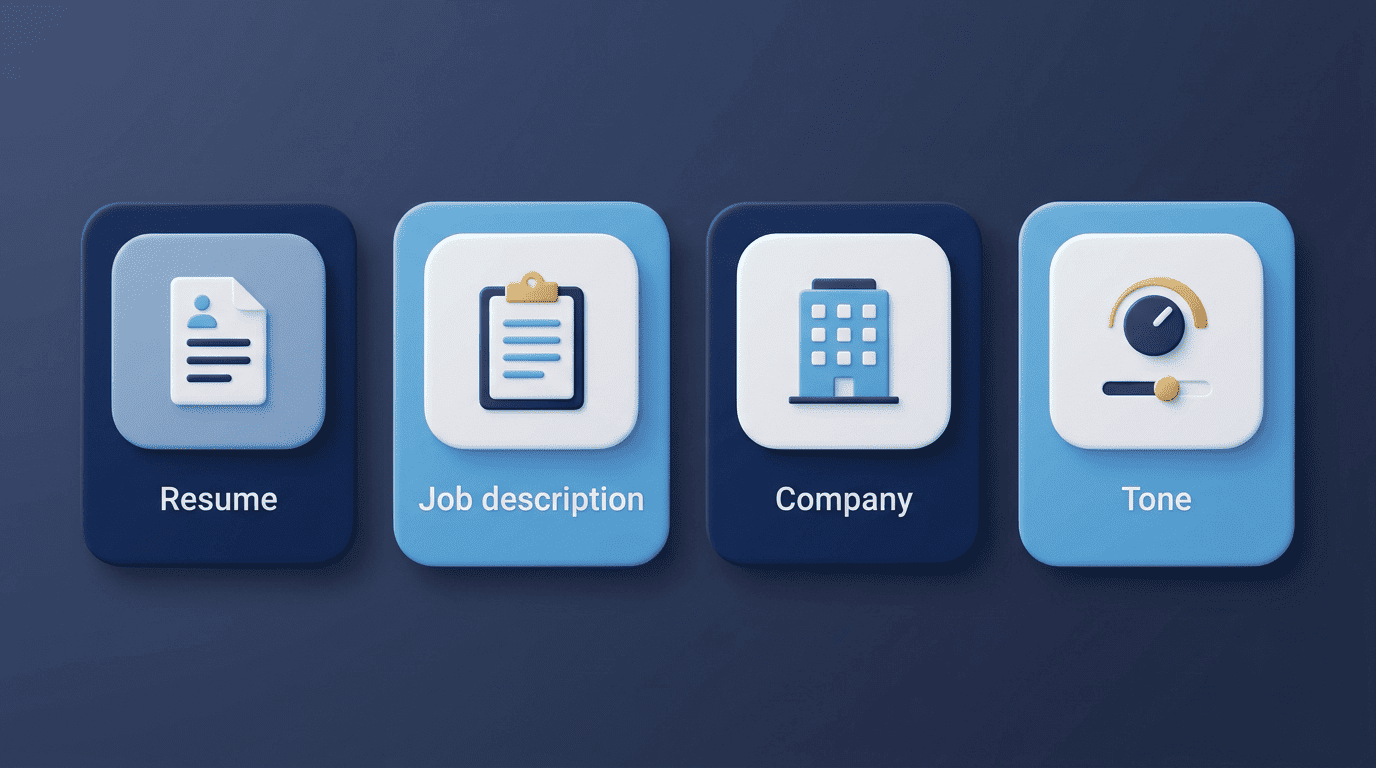
A typical draft is built from:
- Your resume — job titles, skills, and any metrics already on it
- The job description — the role, key requirements, and the posting’s own language
- The company name and, when available, the hiring manager’s name
- A tone preference, so the draft doesn’t default to one generic register for every application
That first pass is genuinely useful when you’re applying to several roles in the same week. A cover letter tailored to each job description — rather than one generic letter reused everywhere — signals to a hiring manager that you read the posting, and Indeed’s career advice guide makes the same point: a letter built around the specific role and company tends to land better than a one-size-fits-all version. Before you tailor a letter to a role, it also helps to understand where that occupation is headed — the U.S. Bureau of Labor Statistics’ Occupational Outlook Handbook is a free way to check typical duties, qualifications, and demand for a target job, which gives you real context to reference instead of generic enthusiasm.
The Structure of a Strong Cover Letter
Most effective cover letters fit on a single page and break into three sections: an opening, a body (often 2–3 paragraphs), and a closing. Each section does a different job, and an AI draft that skips one of them usually reads as thin or generic.
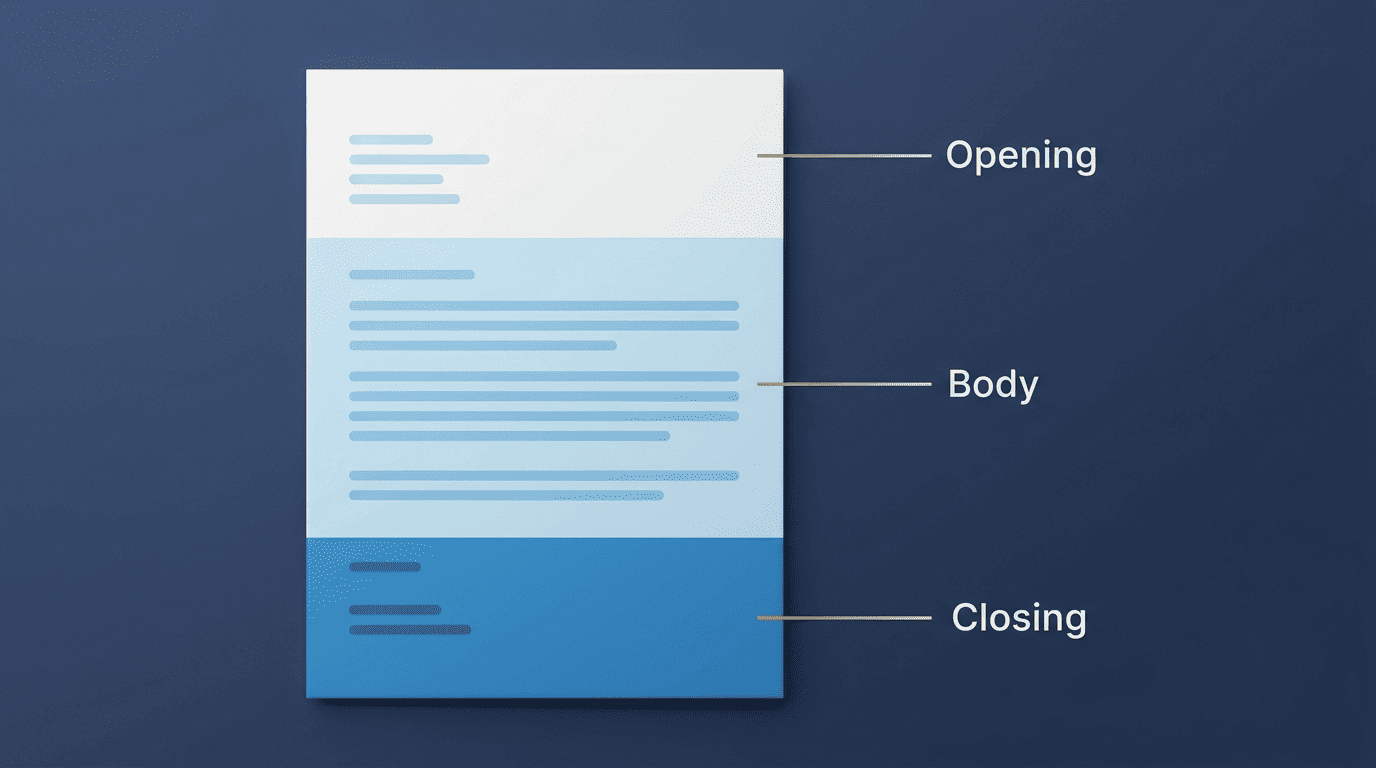
Opening, body, closing
The opening states why you’re writing and why this specific role and company caught your interest — not a generic «I am writing to apply.» The body, usually one or two paragraphs, highlights two to three qualifications with concrete examples and metrics, complementing your resume rather than repeating it line for line. The closing thanks the reader and adds a brief call to action, such as asking for a conversation or an interview. Address a real person by name when you can find one; «Dear Hiring Manager» is an acceptable fallback when you can’t.
Length and format
Keep the letter to one page, in a readable 10–12pt font such as Arial, Calibri, or Helvetica. Brevity and a clean layout matter more than filling the page — a tight, well-organized letter reads better than a long one padded with filler.
| Section | Typical length | What it does |
|---|---|---|
| Opening | 2–3 sentences | States the role, the company, and your interest |
| Body | 1–2 paragraphs | Backs 2–3 qualifications with concrete examples and numbers |
| Closing | 2–3 sentences | Thanks the reader and adds a call to action |
How to Personalize the AI Draft
A generated draft is a starting point, not a finished product. Turning it into a letter that sounds like you takes a short, repeatable process — the same one whether you’re editing by hand or working inside an AI cover letter writer’s interface.
- Paste in your resume and the full job description so the draft has real material to pull from.
- Generate the first draft and read it against the posting — check that it addresses the actual requirements, not generic ones.
- Add one genuine, specific reason you want this company — a product, a mission detail, a team you’d work with.
- Swap any generic phrasing for a concrete story or a real number from your own experience.
- Mirror two or three keywords from the job description so the letter aligns for both the human reader and any applicant tracking system.
- Cut anything that still sounds like a template, then read it aloud once before sending.
Add real numbers wherever the draft is vague. A line like «increased efficiency» carries far less weight than «cut onboarding time by 30% for a team of twelve» — quantified achievements are one of the fastest ways to make an AI-assisted draft sound specific instead of generic.
| Generic AI phrasing | Personalized rewrite |
|---|---|
| «I am a hard-working professional» | «I led a five-person team through a product launch that shipped two weeks early» |
| «I have experience with customer service» | «I resolved 40+ support tickets a week while maintaining a 95% satisfaction score» |
| «I am excited about this opportunity» | «I’ve followed [Company]’s work on [specific product/initiative] and want to help build it» |
Keep the tone consistent with the role. A cover letter for a startup can be more conversational than one for a government agency or a large financial institution; adjust the voice the tool gives you so it matches the company you’re actually applying to, not a default corporate register.
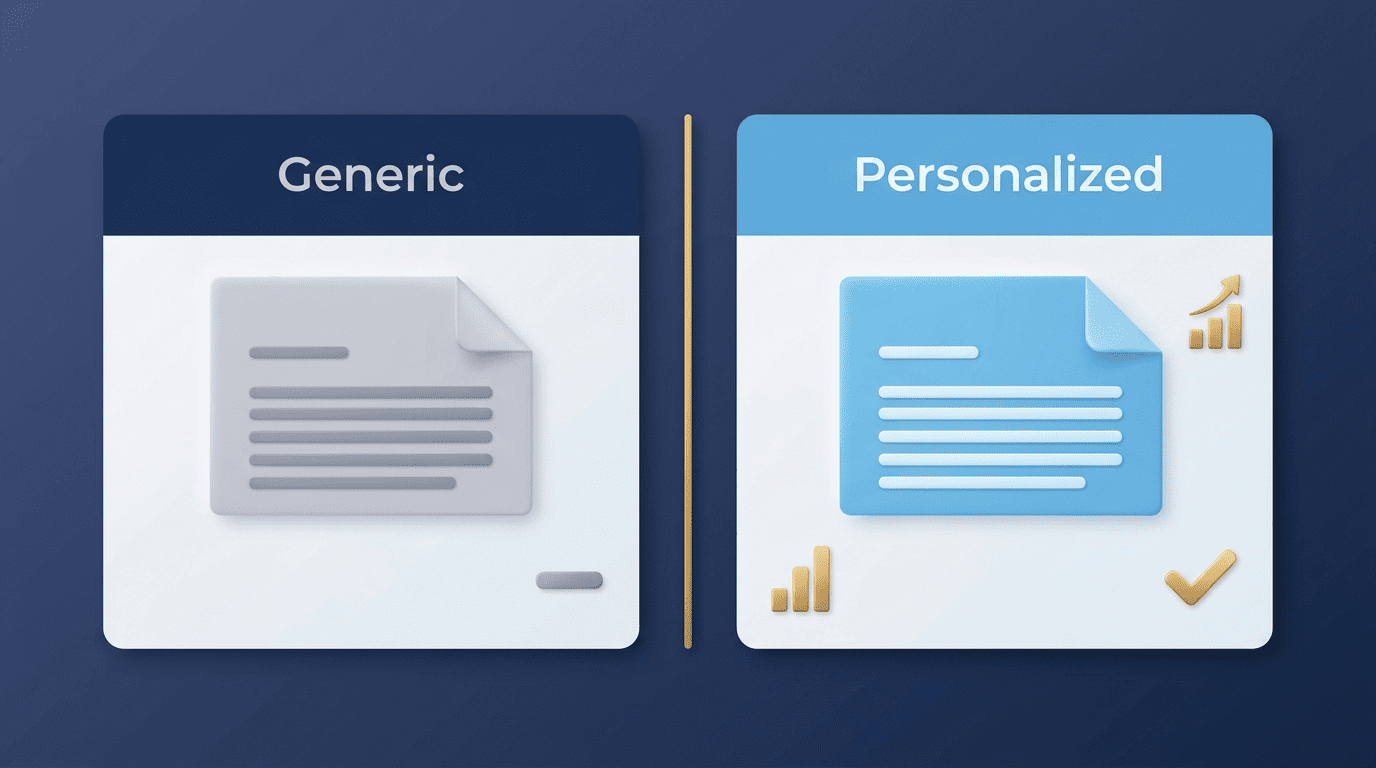
A few checks are worth running on every personalized draft:
- Does it name the company and role instead of using placeholders?
- Does at least one sentence reference something specific from the job posting?
- Are the metrics and project names real and verifiable?
- Does the closing include a clear next step?
Keeping It Honest (and Not Getting Caught Out)
The fastest way to lose a hiring manager’s interest is a letter that’s obviously generic or that makes claims you can’t back up in an interview. Use the AI draft as a starting point, then rewrite it in your own voice with detail you can defend if someone asks a follow-up question.

Try not to simply repeat your resume in paragraph form, complement your resume by offering a little more detail about key experiences.
MIT Career Advising & Professional Development
That distinction matters most with an AI cover letter writer, because the tool only knows what you feed it. Never let it invent achievements, job titles, or motivations you don’t actually have — an AI cover letter writer is meant to help you present real experience more clearly, not manufacture a fictional version of it. If the draft states a number, a project, or a skill you can’t verify, either correct it with your real detail or cut the line entirely before you send the letter.